
Offline maps in Lapland: how to prepare for no signal
In Lapland the signal can end a few kilometres from the road. So download the map before you need it.
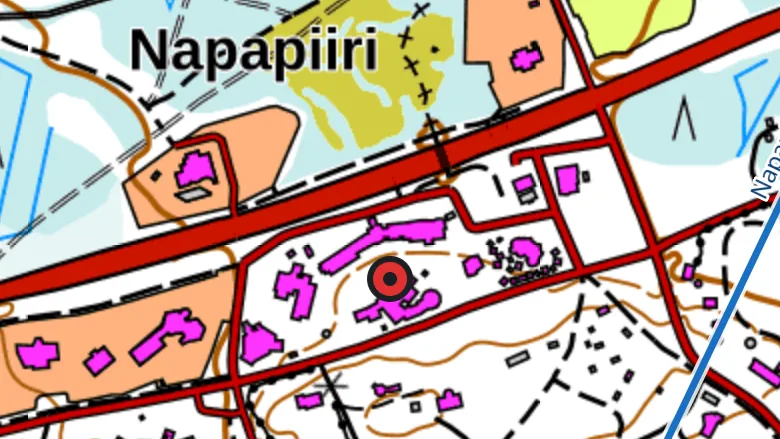
1. Download the area at home
Download the map on wifi the evening before. Pick an area well beyond your planned route. If you have to walk around a bog or a river, the map still continues.
2. Download the route corridor too
If you have planned a route, download its corridor. Offgrid66 stores the topographic map one kilometre on both sides of the route. Check in the Offline maps list that the download is complete.
3. Open the emergency card once in advance
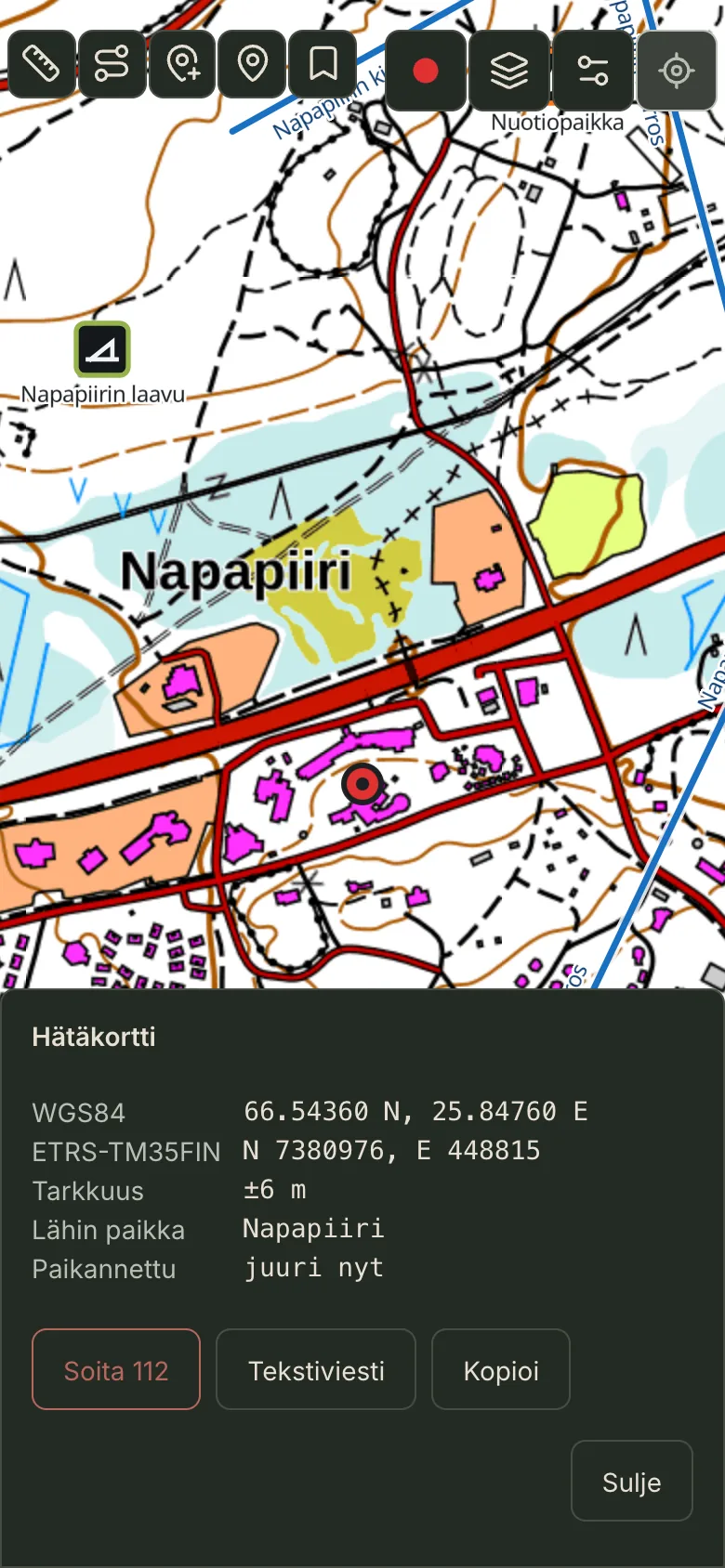
Open the emergency card at home and read what it says. It shows your position in both WGS84 and ETRS-TM35FIN. When you know where the information is, you will find it in a hurry too.
4. Keep the battery warm
Cold drains the battery faster. Carry the phone in an inner pocket and bring a power bank. Battery saver lets the screen sleep while you record your track.
5. Bring a paper map and a compass
A phone can get wet, fall or die. A paper map and a compass need no power.
Checklist before you leave
Offgrid66 is in testing.
The map, your track and the emergency card work where the signal ends.